Dustin Rhodes
Co-Founder
Your CRM, billing system, and project tools work great individually, but they don't talk to each other. Here's why native integrations fail and the 3 patterns that work for London firms.
You made all the right decisions.
After months of research, your agency invested in best-in-class tools:
Each tool works brilliantly on its own. HubSpot tracks leads. Xero generates invoices. Monday keeps projects on schedule.
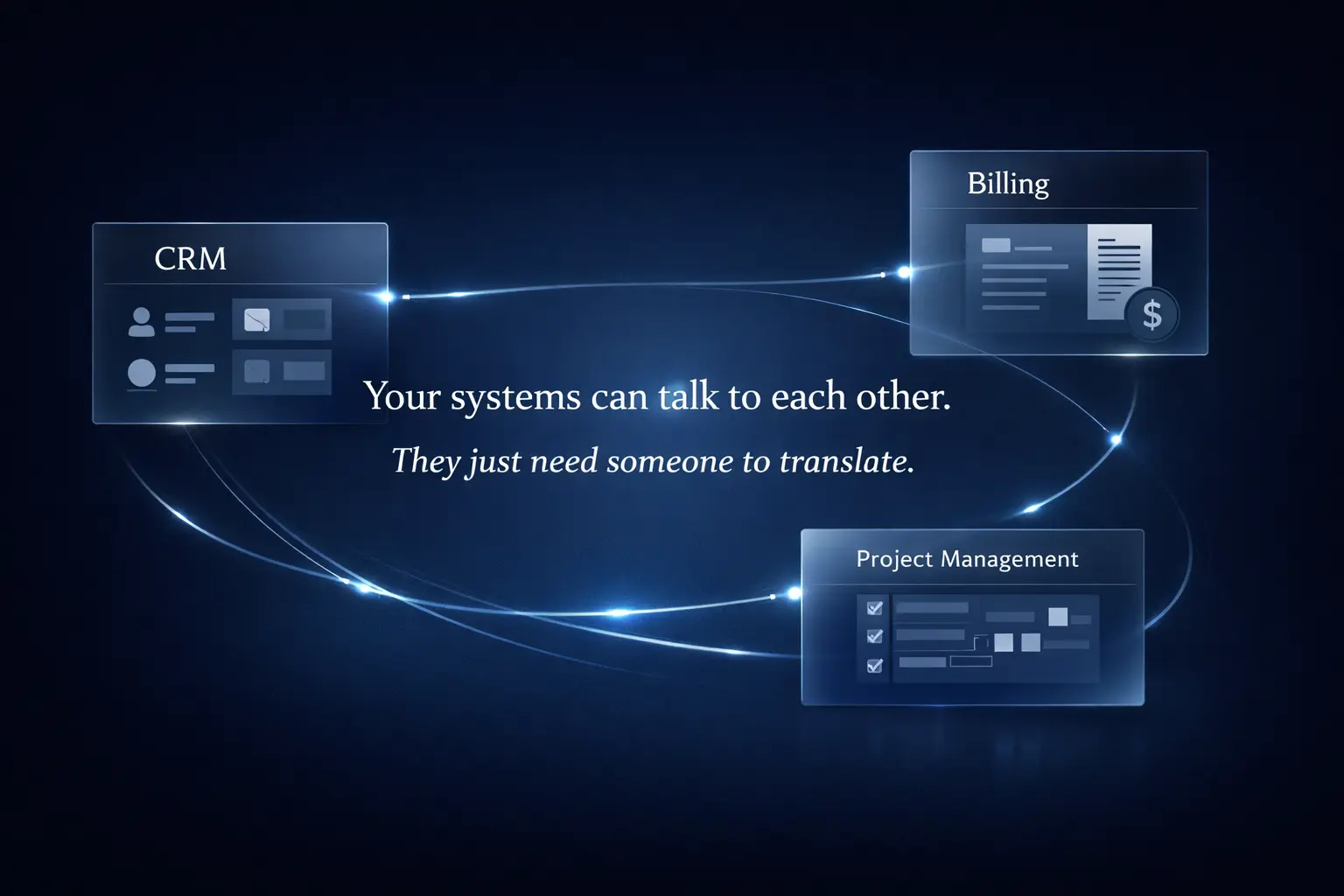
But here's what the vendors didn't tell you: they don't talk to each other.
So now your ops team is doing this every time a deal closes:
Six steps. Same data. Zero automation.
This is the 3-System Problem: you bought software to make your agency more efficient, but you're spending more time moving data between systems than you did when everything lived in spreadsheets.
Check the integration marketplaces and you'll find plenty of pre-built connectors:
Problem solved, right? Not quite.
Here's what tends to happen when agencies actually try to use native integrations:
They sync the wrong data. The HubSpot to Xero integration syncs companies and contacts. Useful. But it doesn't sync deal values, custom fields, project phases, or service categories. Your ops team is still copying 60% of the data manually.
They sync in the wrong direction. The Monday to HubSpot integration syncs deals to projects, which is helpful for sales handoff. But when a project status changes in Monday, your account managers can't see it in HubSpot. They're pinging Slack asking "what's the status on this?" because their CRM hasn't updated in three weeks.
They sync at the wrong time. Most native integrations run every 15 to 60 minutes, or "periodically." For a busy creative agency, that lag creates real problems. A client approves a scope at 2:37pm. Your finance team tries to raise an invoice at 2:45pm. The client doesn't exist in Xero yet. They create the record manually. The sync runs at 3:00pm and creates a duplicate. Now you have two client records and a mess to clean up.
They don't sync context. When a deal closes in HubSpot, the integration copies the company name and contact details to Xero. What it doesn't copy: the email thread about billing preferences, the notes on scope, the agreed payment terms. Your finance team raises a standard invoice. The client comes back confused. You fix it manually. It happens again next month.
Working with creative agencies across London, we've identified three patterns that solve the majority of integration problems.
When to use it: When something needs to happen immediately after an action in one system.
How it works: System A fires a webhook the instant something happens. Middleware catches it, transforms the data, and pushes to System B. All within a few seconds.
Illustrative example: Client onboarding at a 60-person creative agency
Without automation, a typical onboarding sequence might look like this: a deal closes in HubSpot, the ops coordinator gets a notification email, opens HubSpot to read the deal details, opens Xero to create the client, opens Monday to create the project. End to end, around 12 to 15 minutes per client.
With event-driven sync:
Total time: under 10 seconds.
Best for: Client onboarding, invoice triggering, urgent team notifications.
When to use it: When data needs to sync regularly but doesn't need to be instant.
How it works: A scheduled job runs at a set time, pulls data from one system, compares it with another, updates only what's changed, and logs the results.
Illustrative example: Time tracking to invoicing
Without automation: every Friday afternoon, your finance team exports time entries from Monday, manually matches them to clients in a spreadsheet, then creates invoice line items in Xero one by one. Typically 3 to 4 hours, every week.
With scheduled batch sync:
Monday morning, your finance team spends 15 to 20 minutes reviewing and approving rather than building from scratch.
Best for: Time tracking to invoicing, weekly reporting, nightly backups, client list syncs.
When to use it: When the same data lives in multiple systems and can be edited in both.
How it works: Both systems allow edits. Middleware monitors both for changes. When a change is detected, it applies a set of rules to determine which system is the source of truth, syncs the winning version, and logs conflicts for manual review.
Illustrative example: Client contact information
The problem: your account manager updates a client email in HubSpot. Your finance team updates the billing address in Xero. Monday still has the old contact details. Which system is right?
A sensible rule set for a creative agency might look like this:
When it runs:
If a company name changes, rather than syncing automatically, n8n sends a Slack alert: "Client name changed in HubSpot — review before syncing." Your ops lead reviews and approves before anything propagates.
Best for: Contact info sync, project status updates, client tags and categories.
Don't try to automate everything at once. Here's the sequence that works.
Stage 1: Automate your most painful process (weeks 1 to 2) Start with the one process that makes your ops team groan daily. For most agencies it's client onboarding or invoice generation. Pick one, build it, test it, deploy it.
Stage 2: Connect your core three systems (weeks 3 to 6) Your core three: CRM, billing, project management. Connect these with event-driven sync. Deal closed triggers client creation. Project milestone triggers invoice. Payment received updates project status. When these three talk to each other, the majority of manual coordination disappears.
Stage 3: Add bi-directional sync for shared data (weeks 7 to 12) Once you have the simpler automations running reliably, tackle the messier stuff: contact info sync, document connections, team notifications. Bi-directional sync requires clear rules and more careful testing, so it's worth doing after you've built confidence with the foundations.
Stage 4: Build dashboards on clean data (month 4 onwards) Once data flows cleanly between systems, you can aggregate it into real-time dashboards. But build the pipes first. Dashboards are only as useful as the data feeding them.
If your ops team is spending hours each week moving data between systems, the problem isn't the tools. It's the missing layer connecting them.
A good starting point is a short audit of your current stack: which tools you're using, where the manual handoffs happen, and which integration would save the most time first. Most agencies we speak to identify two or three quick wins in the first conversation.
If that sounds useful, book a 30-minute call with our team. No sales pitch, no obligation — just a clear view of what's possible with the systems you already have.
Access our exclusive whitepapers, expert webinars, and in-depth articles on the latest breakthroughs and strategic implications of advanced automation and AI.