Dustin Rhodes
Co-Founder
Calculate the hidden cost of manual processes in your business. Most 50-100 person professional services firms waste £30-50k annually on repetitive tasks that could be automated. Use our calculator to estimate your process waste across client onboarding, data re-entry, reporting, and document generation.
Your finance director knows the salary bill. Your operations team tracks billable hours. But there's a cost that rarely appears in management reports: the accumulated waste from manual processes that could be automated.
For a 75-person professional services firm, that hidden cost typically sits between £30,000 and £50,000 annually. For some, it's significantly more.
Most operations directors underestimate this figure until they break it down systematically. Use this calculator to estimate what manual processes are costing your business:
The calculator provides an estimate, but the true cost runs deeper than the immediate labour expense. Manual processes create compound effects across your organisation:
Cash flow drag. When client onboarding takes three weeks instead of three days, you're delaying revenue recognition. When invoicing requires manual data compilation from five different systems, you're extending debtor days. For a £5m turnover firm, a 10-day reduction in cash conversion cycle releases roughly £140,000 in working capital.
Margin compression. Your talented mid-level staff are spending 8-12 hours per week on administrative tasks: copying data between CRM and practice management systems, compiling reports from fragmented sources, generating documents that follow predictable templates. At £50-60 per hour fully loaded, that's £25,000-35,000 annually per person on work that adds no strategic value.
Growth constraint. You want to grow revenue by 25% without a proportional increase in headcount. But your current operating model is linear: more clients mean more manual work. Without process automation, you're forced to hire for capacity rather than capability, diluting margins and slowing decision-making.
Client experience inconsistency. Manual workflows mean human variance. Some clients get prompt responses and smooth onboarding. Others fall through gaps during busy periods or when key people are on holiday. Your reputation becomes dependent on which team members are available, not on systematic reliability.
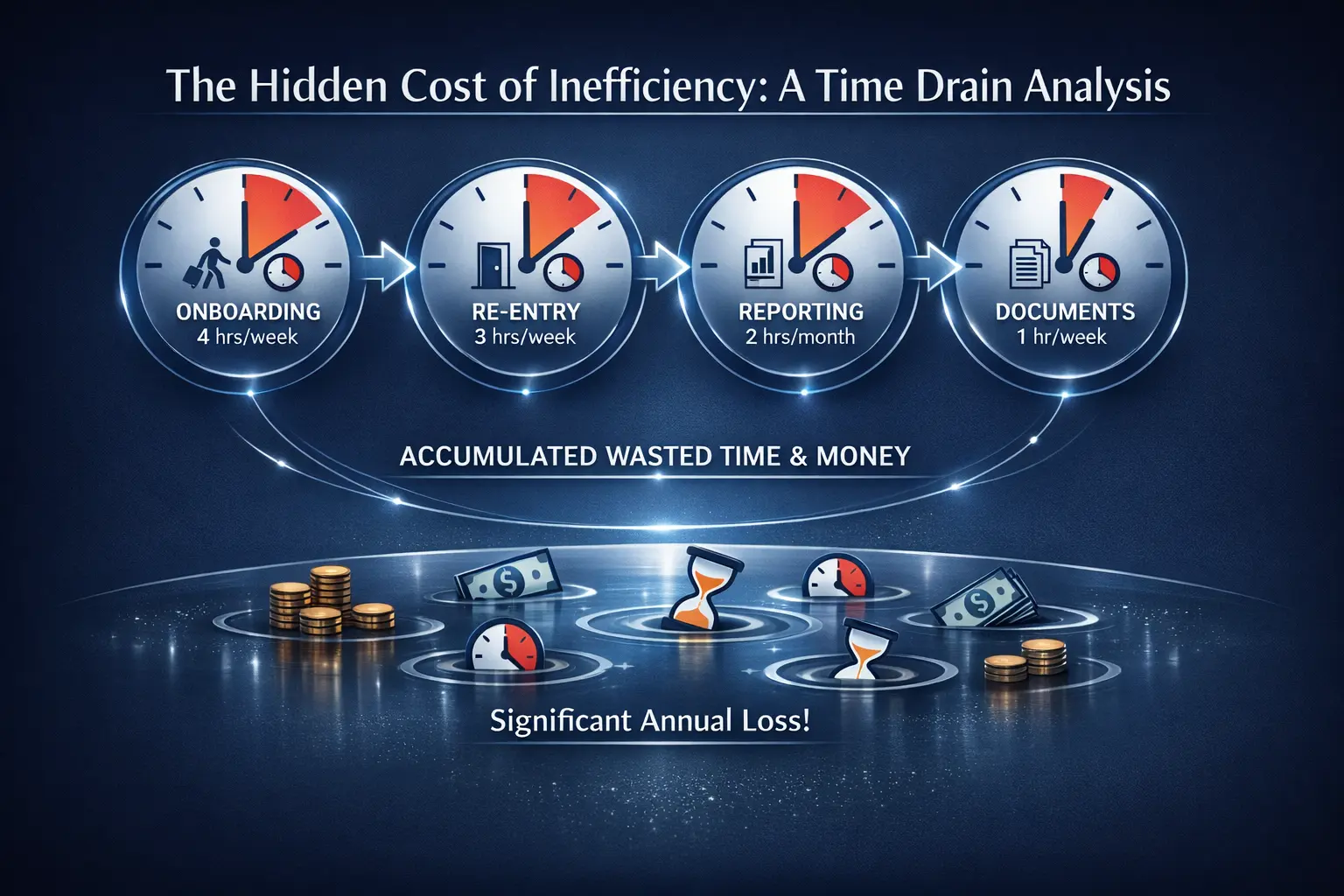
These four process categories account for the majority of recoverable waste in professional services firms:
The manual reality: New client intake involves collecting information across multiple channels (email, phone, meetings), manually entering it into your CRM, triggering separate processes for compliance checks (KYC/AML for financial services, conflict checks for legal firms), generating engagement letters or contracts, setting up project folders, creating invoice schedules, and notifying relevant teams.
Time cost: 4-6 hours per client across multiple team members. For a firm onboarding 50 clients annually, that's 200-300 hours (£10,000-15,000) spent on predictable, repeatable tasks.
Automation approach: Intake form → automated data validation → CRM population → compliance workflow triggers → document generation → stakeholder notifications. The entire sequence runs without manual intervention once the client submits their information. Reduces onboarding time to 30-45 minutes of actual human work (reviewing compliance flags and approving engagement terms).
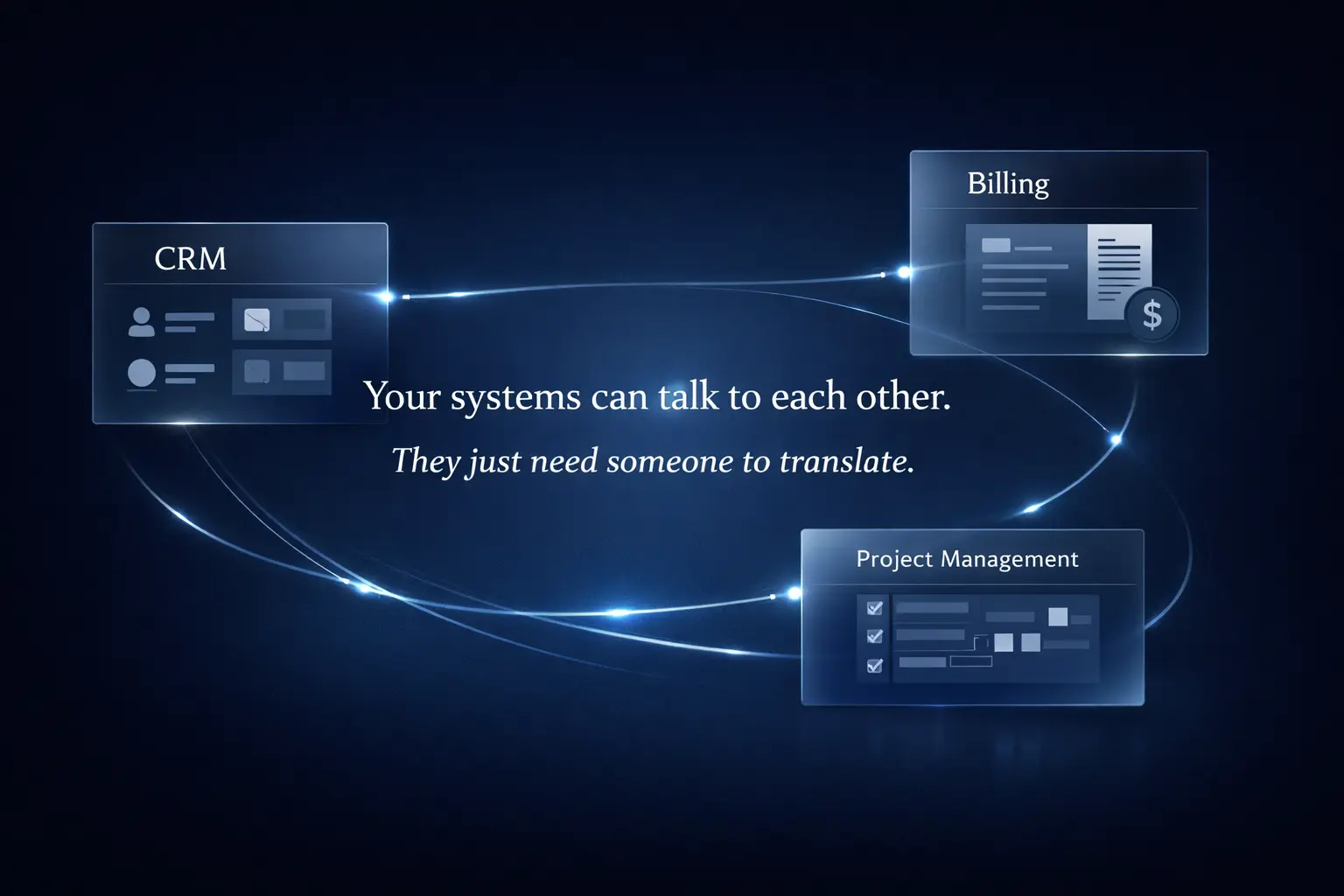
The manual reality: Your team uses a CRM for pipeline management, a practice management system for project tracking, an accounting system for invoicing, and probably a handful of other tools for timesheets, document management, and reporting. None of these systems talk to each other properly, so staff spend significant time copying data: client details from CRM to practice management after deal close, time entries from timesheets to invoicing, project status from practice management to client reporting dashboards.
Time cost: 3-5 hours per week per operational team member. For a 15-person operations team, that's £117,000-195,000 annually.
Automation approach: API integrations and workflow automation that synchronise data between systems in real-time. When a deal closes in your CRM, the client record, engagement terms, and key contacts automatically populate in practice management and accounting systems. When timesheets are approved, they flow directly to invoicing. When project milestones hit, client dashboards update automatically.
The manual reality: Monthly or quarterly reporting involves pulling data from multiple sources, copying into spreadsheets, reconciling discrepancies, formatting for presentation, and distributing to stakeholders. The process is fragile (breaks when source systems change), time-consuming (4-8 hours per reporting cycle per department), and error-prone (manual transcription introduces mistakes).
Time cost: 2-4 hours per month per department or team lead. For a firm with 8 department heads, that's roughly £20,000-40,000 annually.
Automation approach: Automated data pipelines that pull from source systems, transform and aggregate data, populate dashboards or reports, and distribute via scheduled emails or real-time access. Human involvement shifts from data compilation to interpretation and decision-making.
The manual reality: Engagement letters, proposals, contracts, compliance documents, and client reports follow predictable templates but require manual customisation for each instance. Staff open template documents, find-and-replace client details, adjust specific terms, format for branding, convert to PDF, and email. The process takes 20-40 minutes per document, with quality varying based on who's doing it and how rushed they are.
Time cost: For a firm generating 300 such documents annually, that's 100-200 hours (£5,000-10,000). More significantly, inconsistency creates compliance risk and client experience problems.
Automation approach: Template library with data-driven variable population. When a deal closes or a milestone triggers, the system generates the required document by pulling relevant data from your CRM and practice management system, applies correct formatting and branding, and delivers via the appropriate channel (email, client portal, internal archive). Human review is limited to exception cases that fall outside standard parameters.
You've now got a figure. For most operations directors, this calculation is clarifying but also paralysing. The thought of stopping to fix processes while managing current workload feels impossible. This is where the inertia lives: not in disagreement about the problem, but in uncertainty about how to solve it without disruption.
Three principles make the difference between process improvement that compounds and initiatives that fizzle:
Start with highest-value, lowest-complexity workflows. The temptation is to tackle the biggest problem first, but big problems usually have big dependencies. Better to start with a workflow that's painful, well-defined, and relatively isolated. Client onboarding is often ideal: high frequency, clear start and end points, significant time cost, and immediate user feedback. A quick win here builds internal credibility and teaches your team how to work with automation tools.
Automate the workflow, not just the task. Replacing one manual step with automation while leaving the rest untouched delivers marginal gains. Real value comes from automating the entire sequence: trigger → data validation → system updates → stakeholder notifications → next-step triggers. This is where you shift from "slightly faster" to "fundamentally different". It also means thinking about error handling, exceptions, and audit trails from the start, not as afterthoughts.
Build with handover in mind. External consultants who deliver working automation but no documentation or knowledge transfer leave you dependent. Your team should understand how the automation works, where the data flows, and how to modify it when requirements change. This doesn't mean your staff need to become developers, but they should be able to troubleshoot common issues and request changes confidently. Proper handover includes documentation, training, and a support structure for post-implementation optimisation.
The gap between recognising waste and recovering it is execution. Most operations directors we work with are surprised by their calculated figure but uncertain where to begin.
Our automation services are designed specifically for this situation. We start with a 4-week discovery sprint that identifies your three highest-value automation opportunities, builds a working prototype of the most impactful workflow, and provides a costed implementation roadmap for the rest.
Investment: £12,000 fixed price
Typical return: 3-6 month payback from time savings alone
Deliverables: Working automation, technical documentation, and implementation roadmap
The firms that move quickly on this are the ones positioning themselves to scale revenue without proportional headcount growth. The ones that delay are absorbing the ongoing cost you've just calculated, quarter after quarter.
How long does automation implementation take?
For a single high-value workflow (client onboarding, reporting, document generation): 4-6 weeks from scoping to deployment. For department-wide automation covering multiple connected workflows: 8-12 weeks. For enterprise-scale transformation touching most operational processes: 16-20 weeks. The timeline depends on workflow complexity, number of system integrations required, and internal stakeholder availability for testing and feedback.
What if our systems don't have APIs or integration options?
Most modern SaaS tools (CRM, practice management, accounting, project management) have API access or native integration capabilities. For older legacy systems, there are workarounds: some support email-based automation, others can be accessed via database queries, and in limited cases, robotic process automation can bridge gaps. During discovery, we assess your technical landscape and flag any integration blockers early.
Will automation replace our staff?
Not in the way most people fear. Automation eliminates repetitive tasks, freeing staff to focus on client service, complex problem-solving, and revenue-generating work. The typical outcome is that you can grow revenue 25-40% with only 10-15% headcount increase, rather than the 1:1 relationship most firms experience. Existing staff become more productive and more satisfied because they're doing more interesting work. Redundancies are rare, redeployment is common.
What about data security and compliance?
Any automation we build respects your existing data governance and compliance requirements (GDPR, SRA, FCA, etc.). Workflow automation doesn't change where data is stored or who can access it. It simply moves data between systems you already use, following rules you define. We include audit trails, error logging, and approval gates where required. For regulated industries, we document data flows and transformation logic to support compliance audits.
How do we know the ROI will materialise?
Time savings are measurable. We track process duration before and after automation, multiplied by the number of times that process runs annually. The calculator above uses conservative industry benchmarks. Actual savings vary based on your specific workflows and current efficiency, but we've never had a client fail to achieve payback within 6-9 months. The risk isn't whether automation saves time (it does), but whether you choose the right processes to automate first. That's what the discovery phase addresses.
What happens if requirements change after implementation?
Workflows evolve. Regulations change. You acquire new tools or retire old ones. Automation built properly is modular and maintainable, not brittle. We document all logic and integrations so changes can be made without rebuilding from scratch. Many clients move to ongoing support agreements (monthly retainers covering maintenance, optimisation, and minor additions) after initial implementation. This keeps automation aligned with business needs as they evolve.
Process waste compounds silently. The £40,000 you're losing this year becomes £40,000 next year, and the year after. Meanwhile, competitors who've automated are scaling faster, delivering better client experiences, and operating with healthier margins. The question isn't whether to act, but when.
Access our exclusive whitepapers, expert webinars, and in-depth articles on the latest breakthroughs and strategic implications of advanced automation and AI.